How to Use IPTV UK with IPTV Smarters Pro — Setup Guide for All Devices
IPTV Smarters Pro is the most versatile way to access IPTV UK available, running on virtually every platform. This guide shows you how to connect it to IP-TV UK.
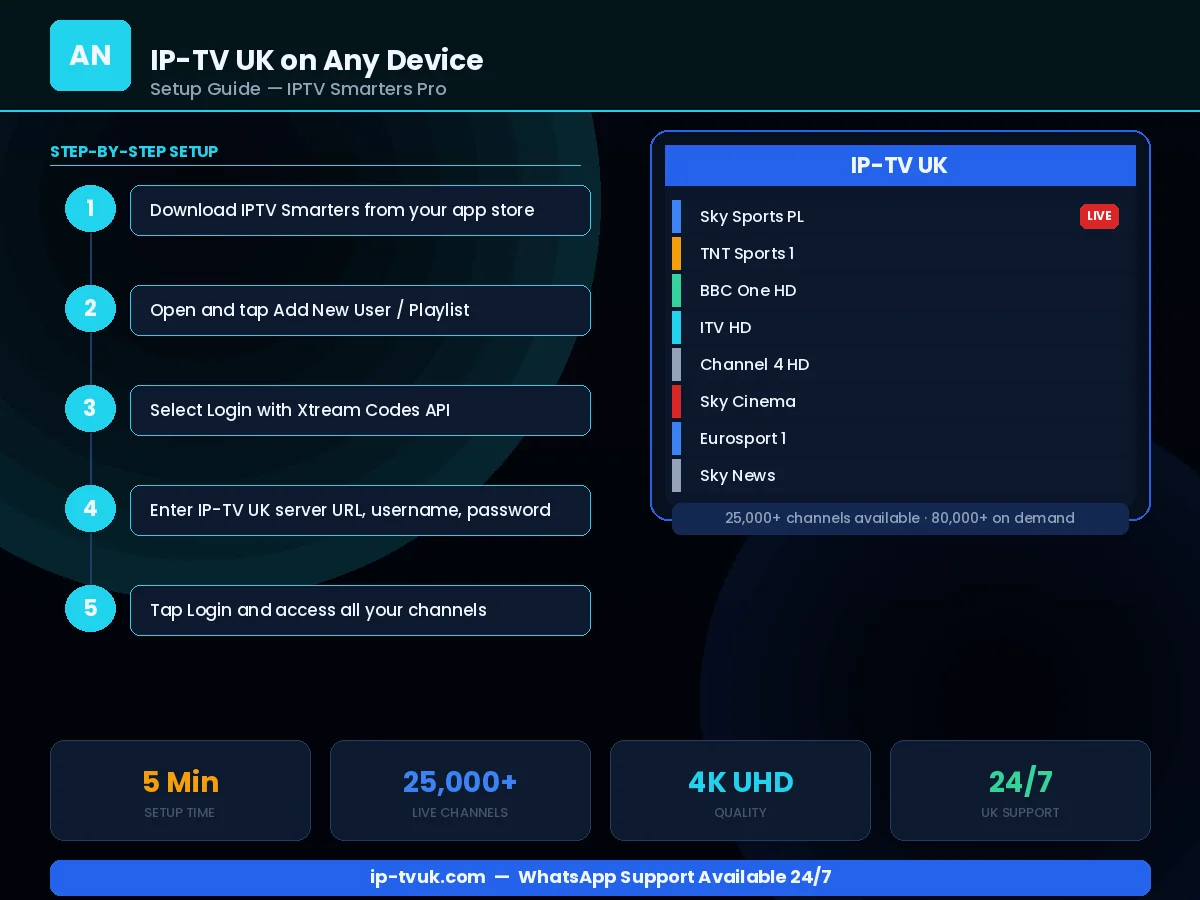
Step-by-Step Instructions
Download IPTV Smarters Pro from your device's app store (Google Play, App Store, Amazon App Store)
Open the app and tap Add User
Select Login via Xtream Codes API
Enter a name (e.g. IP-TV UK), your server URL, username and password
Tap Add User — the app downloads your complete channel list
Navigate using the bottom menu: Live TV, Movies, Series, Catch Up
Set your preferred video player under Settings for best compatibility
Instant Activation
Your IP-TV UK credentials are ready within minutes. No waiting for physical hardware or engineer visits.
Live Setup Assistance
WhatsApp our team during setup and we will guide you through each step in real time.
Works First Time
Our credentials work on all IPTV applications without complex configuration. If anything goes wrong, we fix it.