IPTV UK on Apple TV 4K and Apple TV HD — Complete Streaming Guide
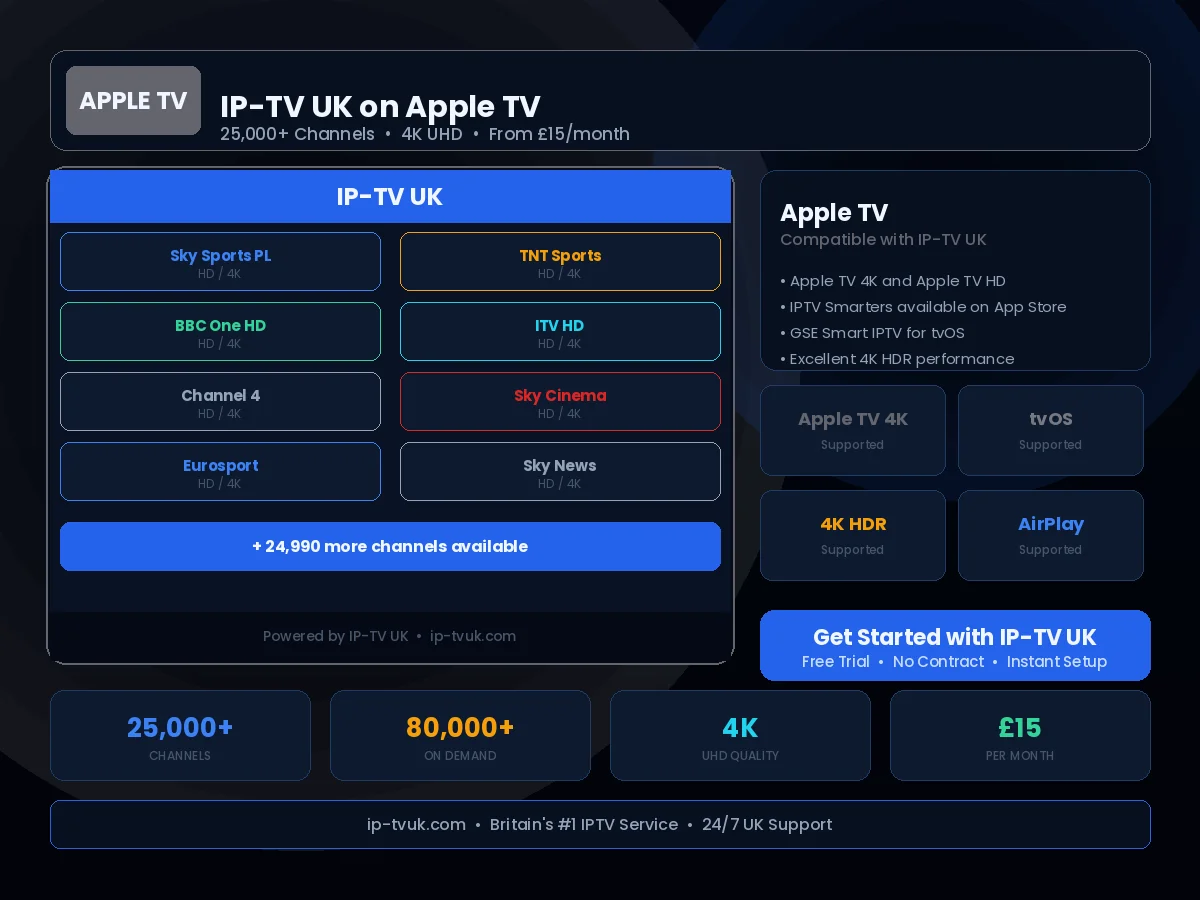
Our reliable IPTV UK service works seamlessly on Apple TV, and IP-TV UK works seamlessly through tvOS apps available from the App Store. The Apple TV 4K in particular is an outstanding choice for 4K IPTV content.
Set Up in Minutes
Follow these steps to configure IP-TV UK on your Apple TV. If you get stuck at any point, our support team is available on WhatsApp 24/7.
Open the App Store on your Apple TV
Search for 'GSE Smart IPTV' or 'IPTV Smarters Pro'
Install your preferred app
Open the app and select 'Add M3U URL' or 'Xtream Codes'
Enter your IP-TV UK credentials
Browse and stream 25,000+ channels
Instant Activation
Receive your IP-TV UK credentials within minutes of subscribing. No waiting, no delays — you will be streaming the same day you order.
24/7 Setup Support
Stuck during setup? Our UK technical support team is available on WhatsApp at any hour. We will guide you through the process step by step.
Anti-Freeze Technology
IP-TV UK's buffering prevention system ensures smooth, uninterrupted viewing on your Apple TV — even during peak viewing periods.