IPTV UK on Windows PC and Laptop — Best IPTV Apps for Windows 10 and 11
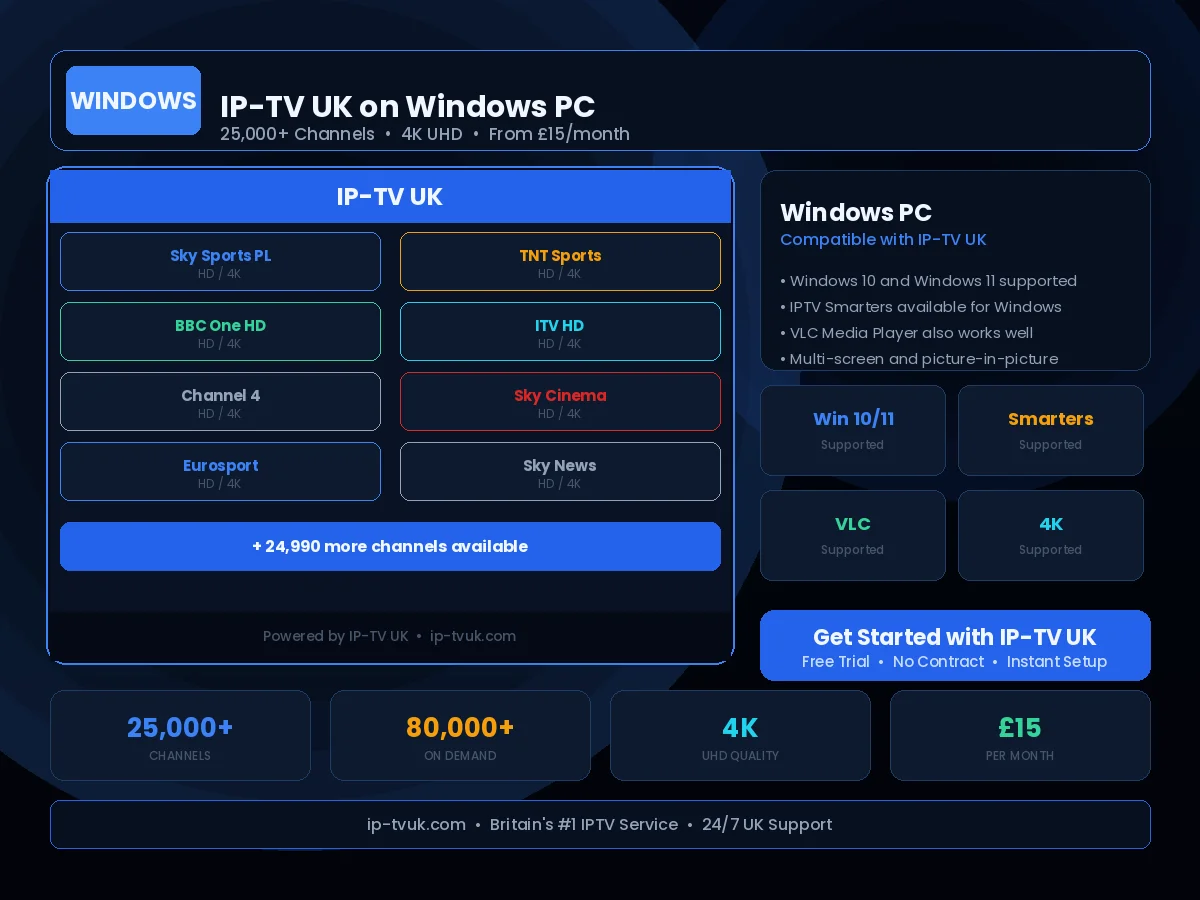
Your Windows PC or laptop is a capable IPTV device with the IPTV UK service, particularly for desktop viewing with a large monitor. Multiple software options are available — from the universally familiar VLC Media Player to dedicated IPTV applications.
Set Up in Minutes
Follow these steps to configure IP-TV UK on your Windows PC & Laptop. If you get stuck at any point, our support team is available on WhatsApp 24/7.
Download VLC Media Player from videolan.org or install IPTV Smarters for Windows
Open VLC and navigate to Media → Open Network Stream
Enter your IP-TV UK M3U URL in the network URL field
Alternatively, in IPTV Smarters, select Add Playlist and enter your Xtream Codes credentials
Press Play — all channels load instantly
Instant Activation
Receive your IP-TV UK credentials within minutes of subscribing. No waiting, no delays — you will be streaming the same day you order.
24/7 Setup Support
Stuck during setup? Our UK technical support team is available on WhatsApp at any hour. We will guide you through the process step by step.
Anti-Freeze Technology
IP-TV UK's buffering prevention system ensures smooth, uninterrupted viewing on your Windows PC & Laptop — even during peak viewing periods.