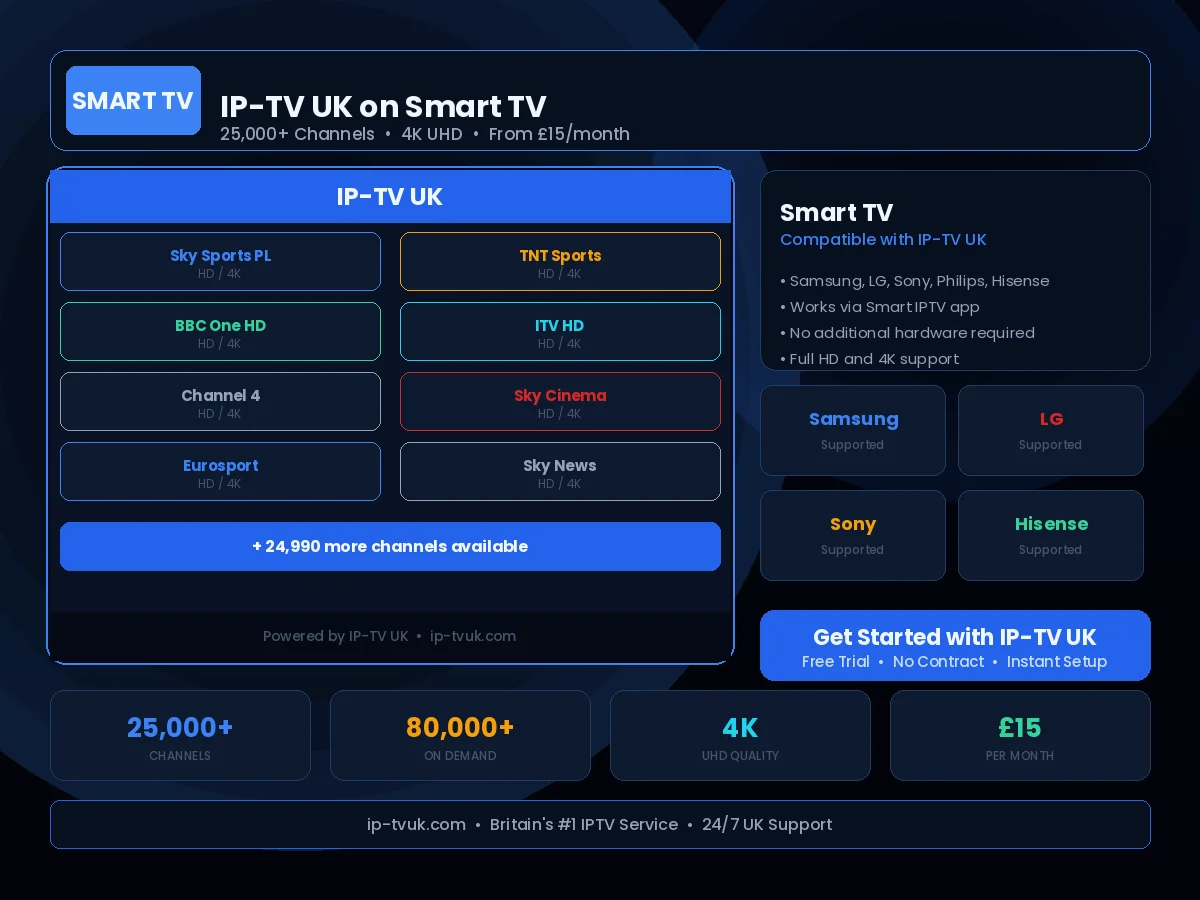
IPTV UK on Smart TV — Works on Samsung, LG, Sony and Every Major Brand
Any Smart TV with internet access can run our UK IPTV service IP-TV UK. The specific setup method depends on your TV brand and operating system, but in every case the process takes under ten minutes and delivers the same 25,000+ channel experience.
Set Up in Minutes
Follow these steps to configure IP-TV UK on your Smart TV. If you get stuck at any point, our support team is available on WhatsApp 24/7.
Identify your TV's operating system (Tizen for Samsung, webOS for LG, Android TV for Sony/Philips)
Visit our dedicated guide for your specific brand
Install the recommended IPTV app from your TV's app store
Enter your IP-TV UK credentials
Stream 25,000+ channels on your big screen
Instant Activation
Receive your IP-TV UK credentials within minutes of subscribing. No waiting, no delays — you will be streaming the same day you order.
24/7 Setup Support
Stuck during setup? Our UK technical support team is available on WhatsApp at any hour. We will guide you through the process step by step.
Anti-Freeze Technology
IP-TV UK's buffering prevention system ensures smooth, uninterrupted viewing on your Smart TV — even during peak viewing periods.