IPTV UK on iPhone — Stream 25,000+ Live Channels on iOS Anywhere
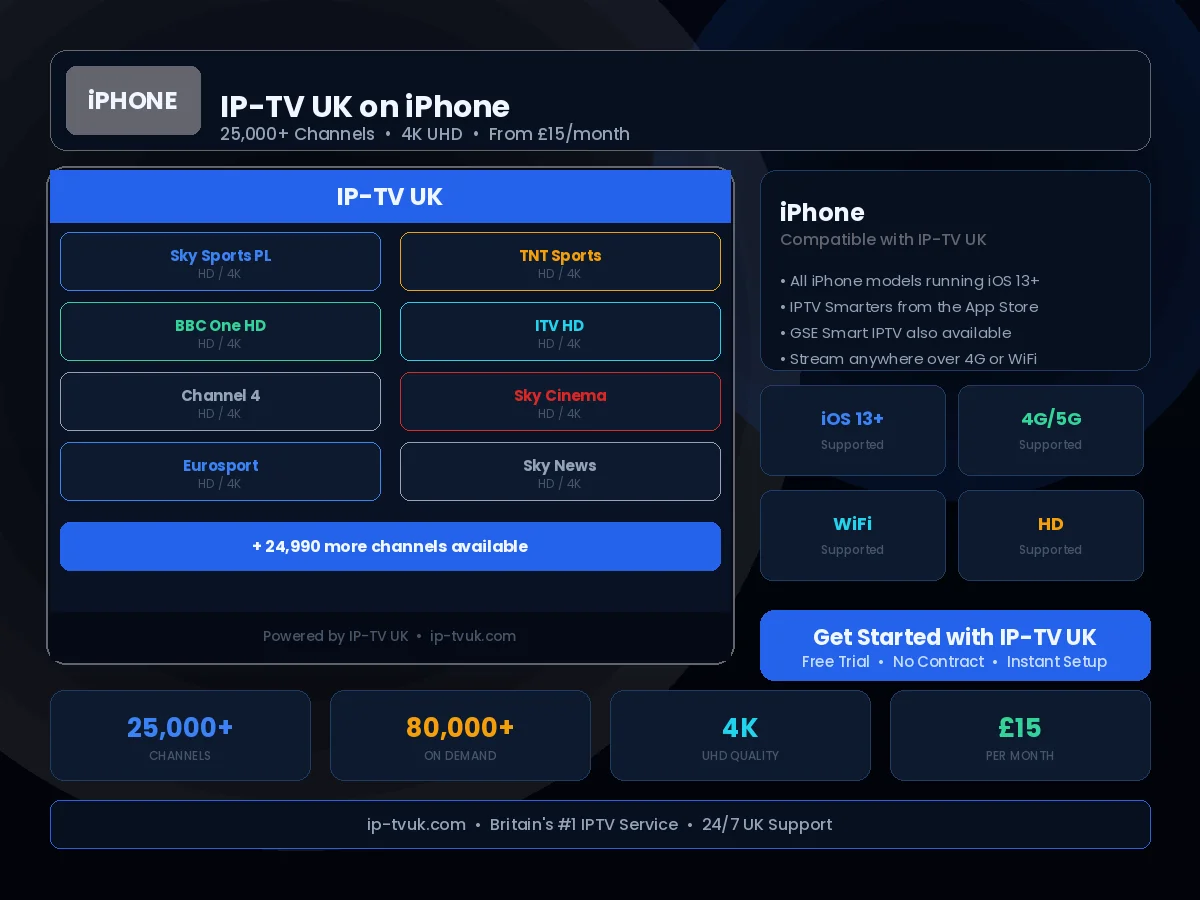
Your iPhone or iPad is a capable IPTV device when paired with IP-TV UK — the UK's leading IPTV service that lets you take IP-TV UK anywhere — from a hospital waiting room to a hotel room to your commute. Full HD and 4K streams are available wherever you have a reliable internet connection.
Set Up in Minutes
Follow these steps to configure IP-TV UK on your iPhone & iPad. If you get stuck at any point, our support team is available on WhatsApp 24/7.
Open the App Store on your iPhone or iPad
Search for 'GSE Smart IPTV' or 'IPTV Smarters Pro'
Download and install your chosen app
Open the app and tap 'Add Playlist'
Enter your IP-TV UK M3U URL or Xtream Codes details
Tap Done — your channels load immediately
Instant Activation
Receive your IP-TV UK credentials within minutes of subscribing. No waiting, no delays — you will be streaming the same day you order.
24/7 Setup Support
Stuck during setup? Our UK technical support team is available on WhatsApp at any hour. We will guide you through the process step by step.
Anti-Freeze Technology
IP-TV UK's buffering prevention system ensures smooth, uninterrupted viewing on your iPhone & iPad — even during peak viewing periods.