How to Set Up IPTV UK on Any Smart TV with the Smart IPTV App
Smart IPTV is the most widely compatible app for our leading IPTV UK service for Smart TVs. Available on Samsung App Store, LG Content Store and other Smart TV platforms.
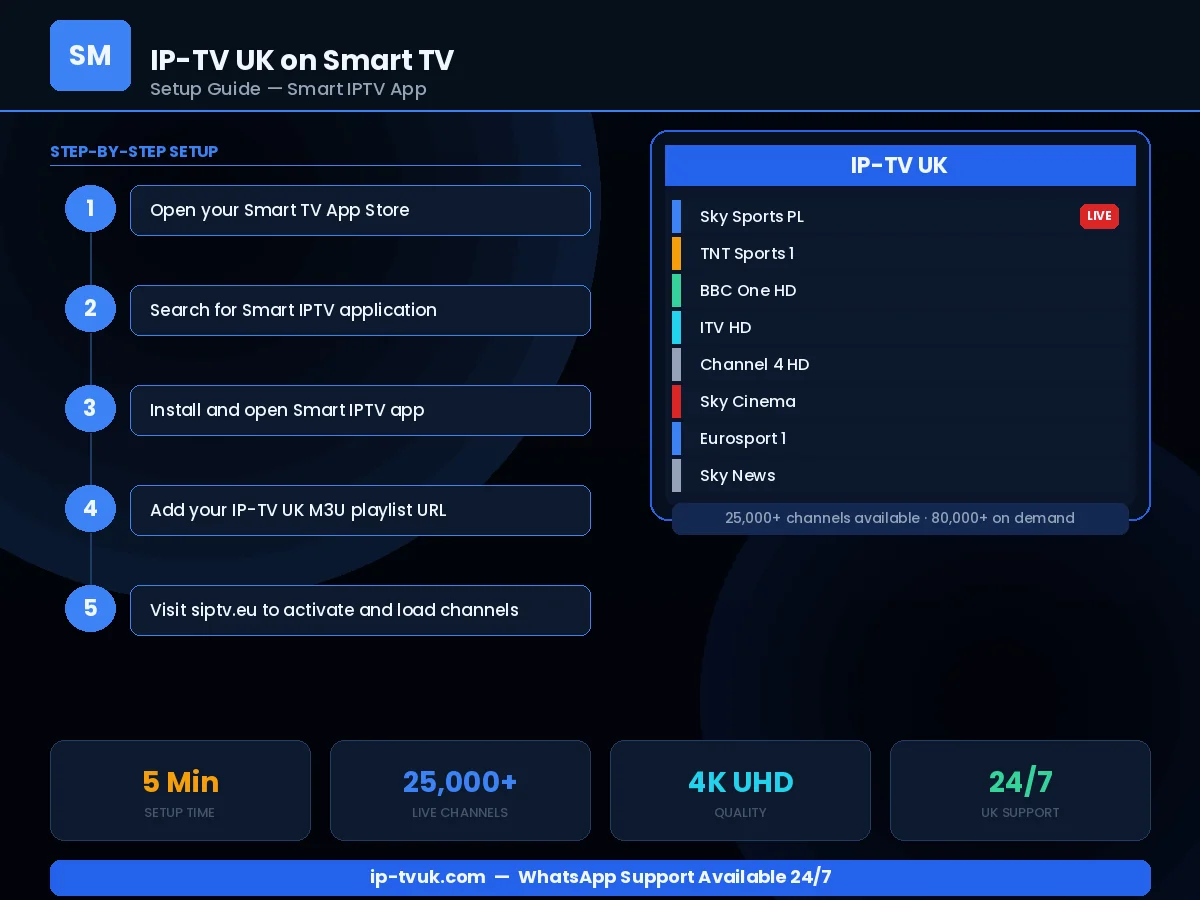
Step-by-Step Instructions
Open your Smart TV's app store (Samsung App Store, LG Content Store, etc.)
Search for Smart IPTV and install it
Open a web browser on your phone or computer
Visit siptv.eu/activate and enter your TV's MAC address (shown in Smart IPTV settings)
Paste your IP-TV UK M3U URL in the M3U Playlist field
Click Update and return to Smart IPTV on your TV
Press OK — your channels appear immediately
Instant Activation
Your IP-TV UK credentials are ready within minutes. No waiting for physical hardware or engineer visits.
Live Setup Assistance
WhatsApp our team during setup and we will guide you through each step in real time.
Works First Time
Our credentials work on all IPTV applications without complex configuration. If anything goes wrong, we fix it.