How to Configure IPTV UK on Android TV Using TiviMate — Full Guide
TiviMate is widely considered the best app for IPTV UK subscription on Android for Android TV and Firestick. Its interface is polished, its EPG integration is excellent and it supports full 4K playback.
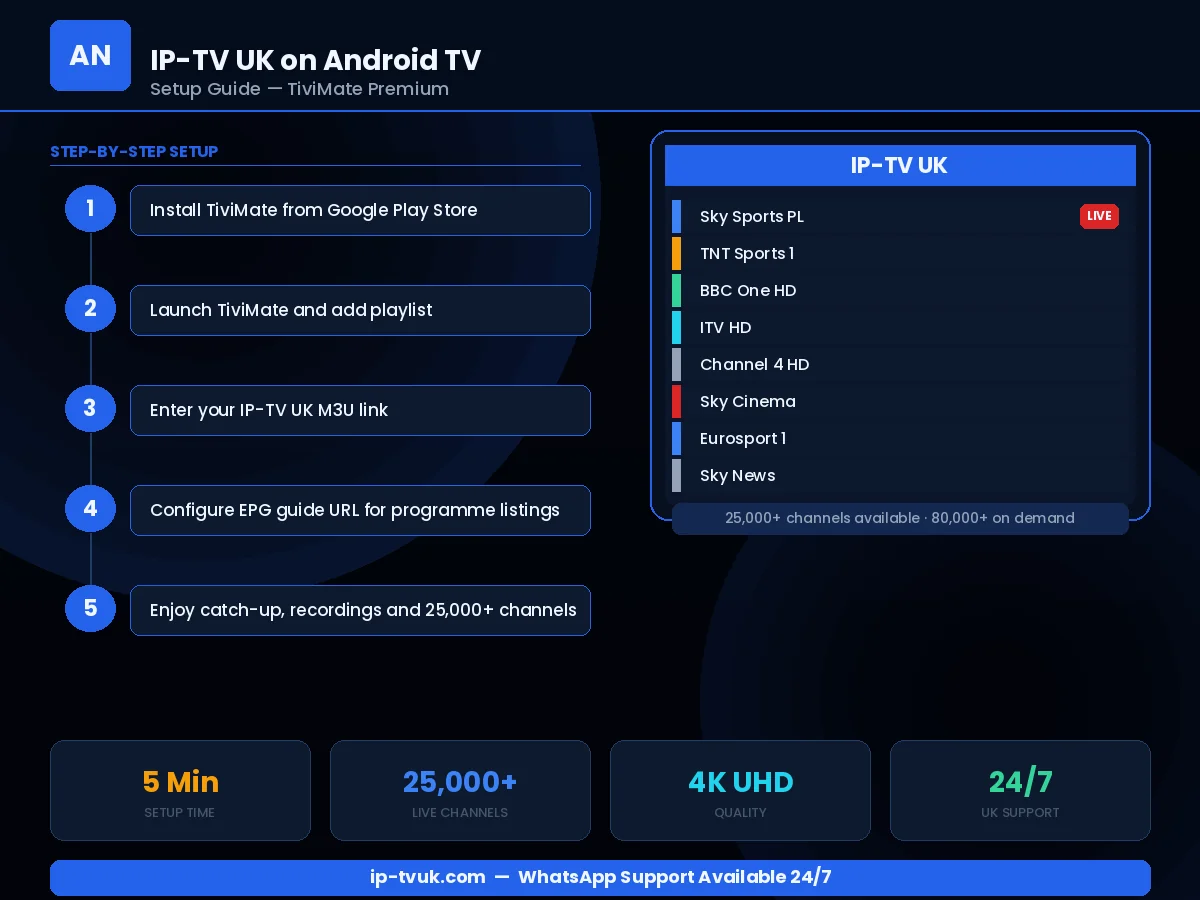
Step-by-Step Instructions
Install TiviMate from Google Play Store (Android TV) or via Downloader (Firestick)
Open TiviMate and tap the Settings gear icon
Select Playlists → Add Playlist
Choose Xtream Codes and enter your IP-TV UK server URL, username and password
TiviMate downloads your channel list and builds the 14-day EPG
Explore the interface: channels are sorted by category, country and genre
Enable the TiviMate Premium features for multi-screen and parental controls
Instant Activation
Your IP-TV UK credentials are ready within minutes. No waiting for physical hardware or engineer visits.
Live Setup Assistance
WhatsApp our team during setup and we will guide you through each step in real time.
Works First Time
Our credentials work on all IPTV applications without complex configuration. If anything goes wrong, we fix it.