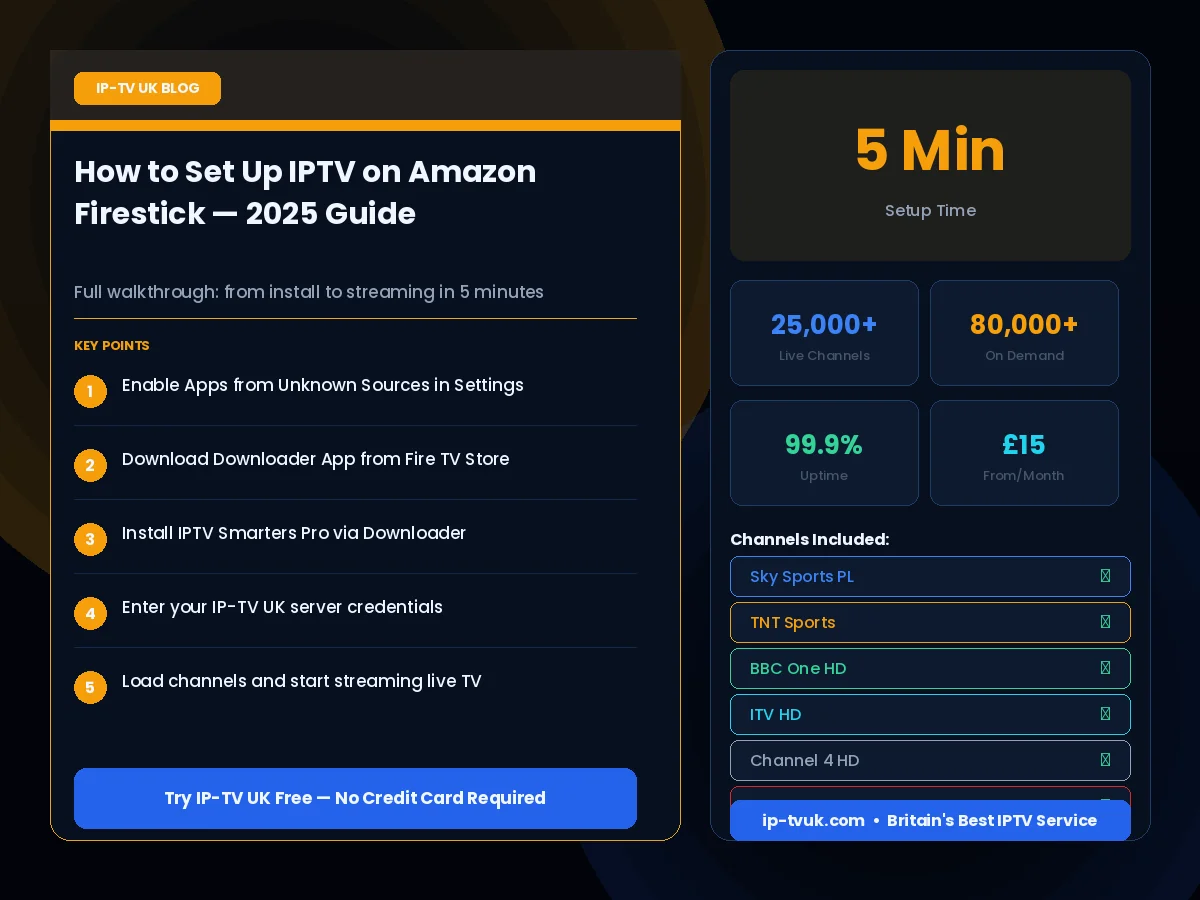
What You Need Before Starting
You need an Amazon Firestick (any model, including Lite, HD, 4K and 4K Max), your IP-TV UK login credentials (username, password and M3U URL — provided when you subscribe), and a Wi-Fi connection of at least 10 Mbps. That is everything required.
Step 1 — Enable Apps from Unknown Sources
Navigate to Settings → My Fire TV → Developer Options and enable 'Apps from Unknown Sources'. This allows you to install IPTV apps not available in the Amazon App Store. This setting is safe and reversible.
Step 2 — Install the Downloader App
Search for 'Downloader' in the Amazon App Store and install it. This free utility lets you download and install APK files directly to your Firestick. Open Downloader and enter the URL for IPTV Smarters Pro when prompted.
Step 3 — Install IPTV Smarters Pro
Download and install IPTV Smarters Pro using Downloader. Once installed, open the app and select 'Login with Xtream Codes API'. Enter the server URL, username and password provided by IP-TV UK. Your channel list will load automatically within seconds.
Step 4 — Enjoy Your Channels
Once loaded, you will have access to all 25,000+ live channels, the full on-demand library and the electronic programme guide. Navigate by category, search by name, or browse the 14-day EPG to find upcoming content.