Method 1 — Smart IPTV from the App Store
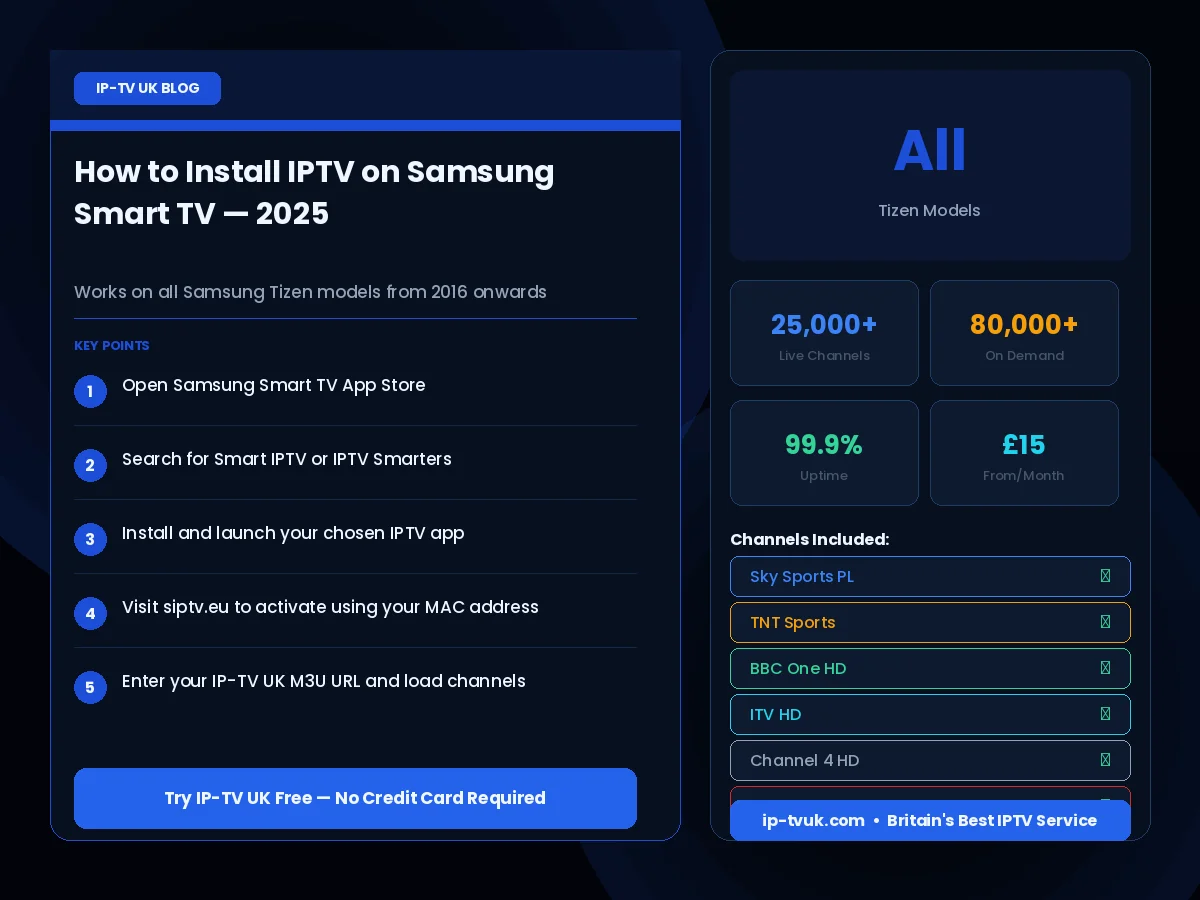
Smart IPTV is available directly from the Samsung App Store (Tizen 3.0 and above). Search for 'Smart IPTV', install it, and enter your M3U URL or Xtream Codes credentials. This is the easiest method and works on most Samsung TVs made after 2016.
Method 2 — SSIPTV
SSIPTV (Simple Smart IPTV) is another option available from the Samsung App Store. It supports M3U playlists and offers a clean, intuitive interface. Both Smart IPTV and SSIPTV are free to install, though Smart IPTV has a small one-time activation fee.
Method 3 — Via Web Browser
All Samsung Smart TVs include a web browser. You can access a web-based IPTV player through the browser to watch channels without installing a dedicated app. This method requires no installation and works on every Samsung Smart TV model.
Recommended Settings for Best Quality
For the best viewing experience on your Samsung TV, ensure your internet connection uses a wired ethernet connection rather than Wi-Fi where possible, set your picture mode to 'Movie' or 'Filmmaker Mode' for accurate colours, and enable the TV's HDR processing if your subscription includes 4K HDR content.