IPTV UK on MAG Box — All Infomir Models Configured in Minutes
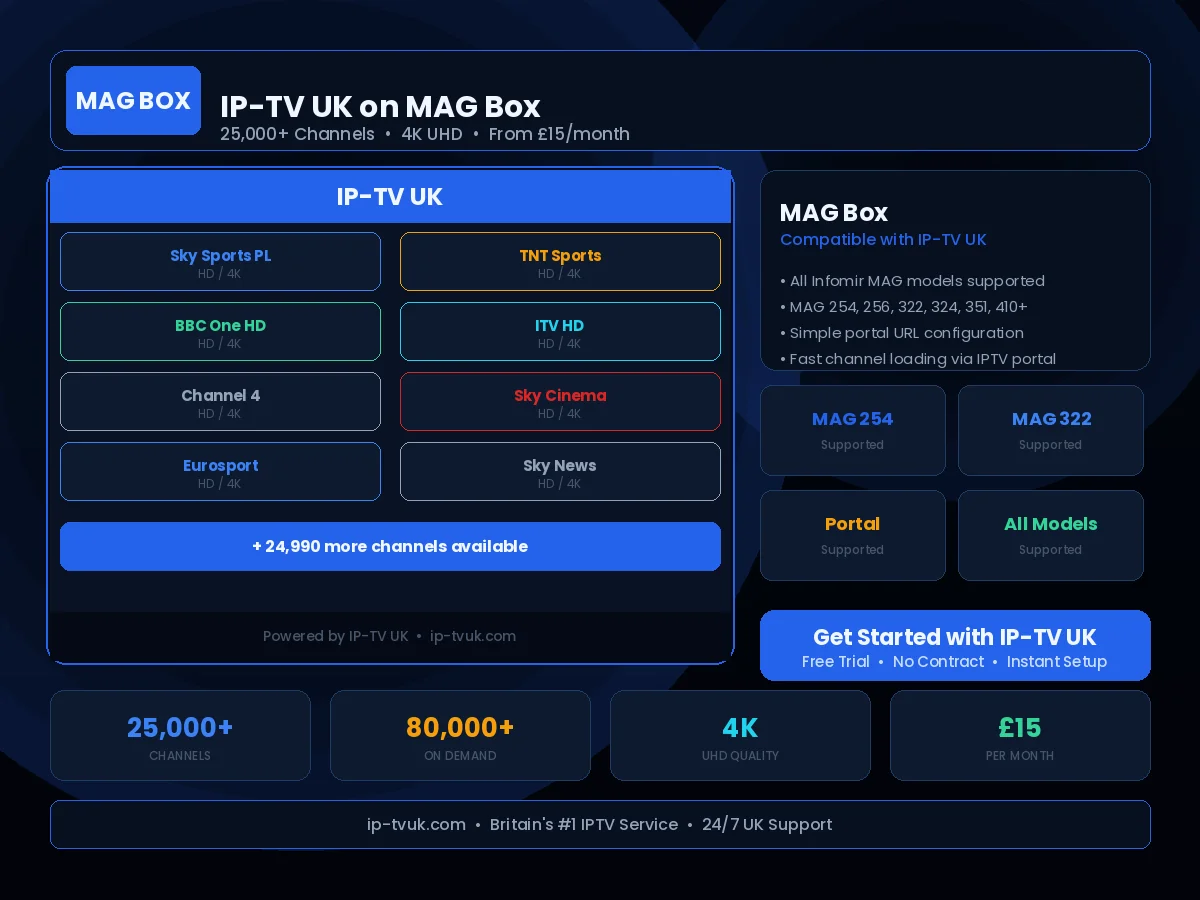
MAG boxes are dedicated IPTV set-top boxes, and our IPTV UK platform supports every Infomir model designed specifically for this purpose. Configuration is particularly straightforward — you simply enter a portal URL in the device settings and your channel list appears automatically.
Set Up in Minutes
Follow these steps to configure IP-TV UK on your MAG Box. If you get stuck at any point, our support team is available on WhatsApp 24/7.
Power on your MAG box and navigate to Settings
Select 'System Settings' then 'Servers' then 'Portals'
Enter your IP-TV UK portal URL in the Portal 1 URL field
Enter a friendly name for the portal (e.g. 'IP-TV UK')
Save the settings and restart your MAG box
Your full channel list loads automatically on startup
Instant Activation
Receive your IP-TV UK credentials within minutes of subscribing. No waiting, no delays — you will be streaming the same day you order.
24/7 Setup Support
Stuck during setup? Our UK technical support team is available on WhatsApp at any hour. We will guide you through the process step by step.
Anti-Freeze Technology
IP-TV UK's buffering prevention system ensures smooth, uninterrupted viewing on your MAG Box — even during peak viewing periods.